Home Free check Report Templates by industry Pricing お知らせ Frequently Asked Questions
WORKS

Templates by industry

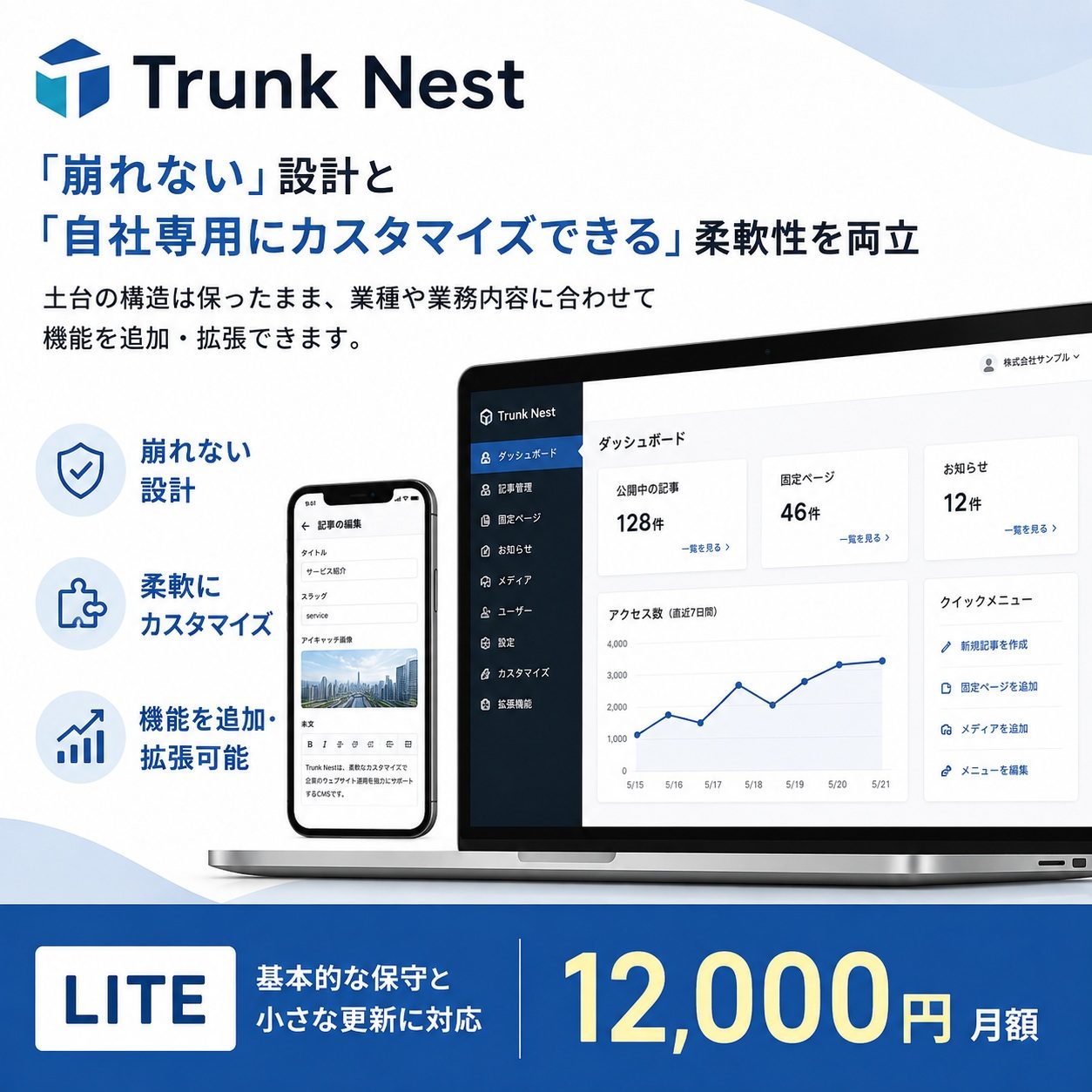
Every system we build for a client becomes a template for that industry. The foundation is shared, so it is faster and cheaper than starting from scratch — and it does not fall apart. If something close to your field exists, you can start from there.

Anything marked live is a site in real use. Scores come from the free check on this site, so you can measure them yourself.

Industries available 10

Child development and after-school day services

Facility profiles, availability, visit bookings and announcements for parents. Job listings are set up to appear in Google for Jobs.

Key features
Visit and trial bookings Availability display Job listings Announcements
Sakura Room (live; scores 100 on our own check)
Care and welfare providers

Services, locations and staff profiles, ordered the way a searching family actually reads them.

Key features
Location list Staff profiles Enquiry form Job listings
Restaurants and cafés

Menus, opening hours and table bookings, published so they surface correctly in Google Maps and Business Profile.

Key features
Menu management Hours and closures Bookings Instagram feed
Tourism, travel and transfers

From plan listings to applications and availability management, with Japanese and English switching.

Key features
Plans and rates Application form Availability JA/EN switching
GoodMeet (airport transfers, live)
Beauty, kimono dressing and salons

Bookings that account for each service duration and the assigned stylist, including a booking screen that opens inside LINE.

Key features
Per-service booking Choose your stylist Booking via LINE Reminders
Professional services and corporate sites

A composed corporate site where you update your services, track record and news yourself.

Key features
Free page building News Enquiry management Document downloads
Retail and shops

Product presentation, stock and enquiry-based ordering, with Rakuten product data import supported.

Key features
Product management Stock display Category filters Order enquiries
Manufacturing, construction and engineering

Techniques and equipment laid out in words and diagrams a non-specialist buyer can follow.

Key features
Project and product cases Equipment Quote requests Job listings
Regional portals and provider directories

Many providers, filterable by condition. Suited to gathering a region's information in one place.

Key features
Filtered search Map view Per-listing admin Listing applications
Akiwaka (Hokkaido care-facility directory, live)
Client and partner portals

Requests, progress and conversations in one operational screen, with password-free login.

Key features
Requests and progress File attachments LINE notifications Activity log

In every industry template from day one

Findable by AI and search
Structured data, sitemap and llms.txt from the start. Added later, it means fixing pages one by one — and something always gets missed.
Login without passwords
A six-digit code by email, or face and fingerprint via passkey. Nothing to reuse, nothing to forget.
Spam and bot defence
Public forms carry layered protection, so real enquiries are not buried under cold mail.
A record of who did what
Screens handling money or stock keep an activity log, so "it just disappeared" can be traced.
An admin screen you can use
Text, photos and page ordering, handed over in a form your staff can actually operate.
Measured outcomes
Enquiries, calls and map clicks are counted, so you are not left with "it feels better".

If something close to your field exists, start from there

Even with no exact match, we can build on the nearest one. Tell us what you want to do.
バナー Get in Touch